



Description
Product Overview
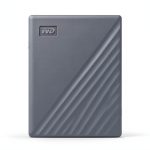
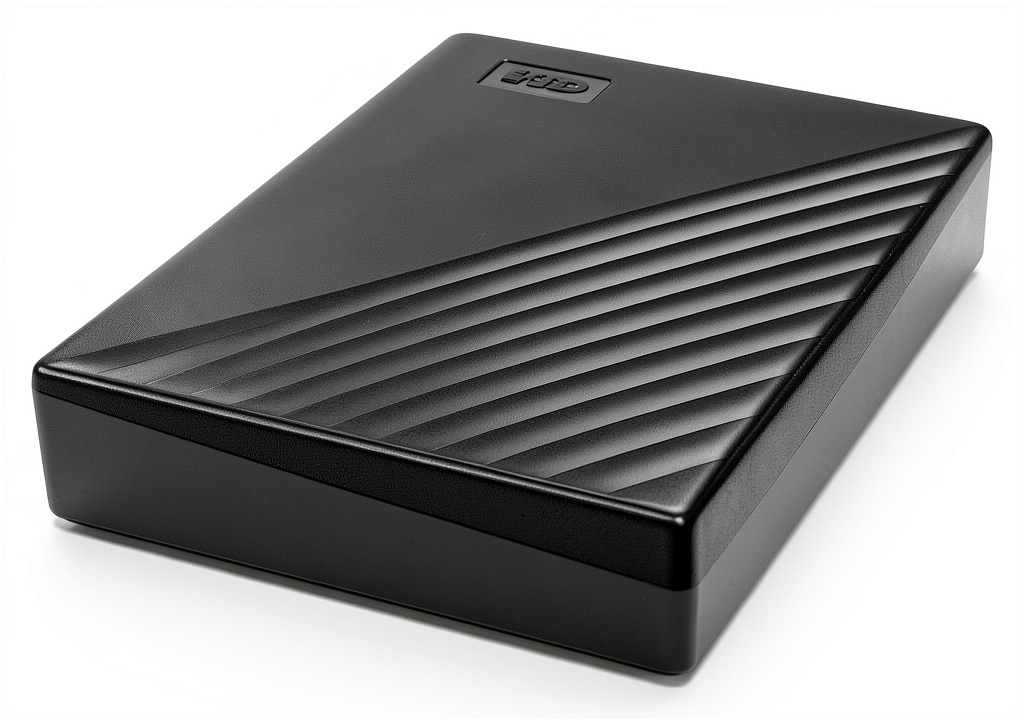
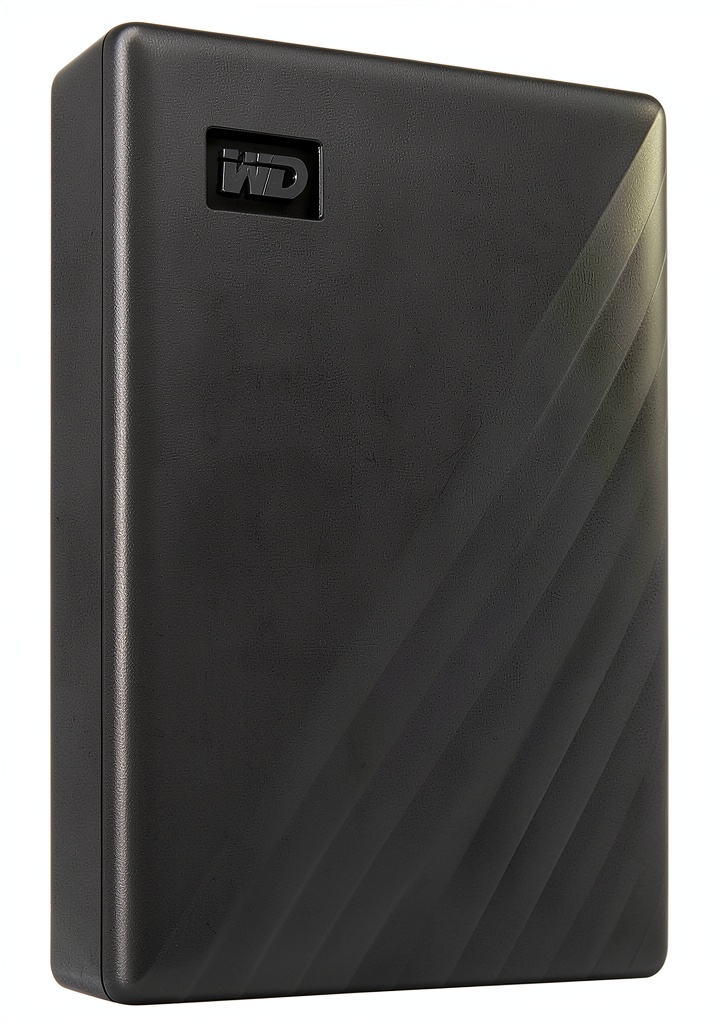
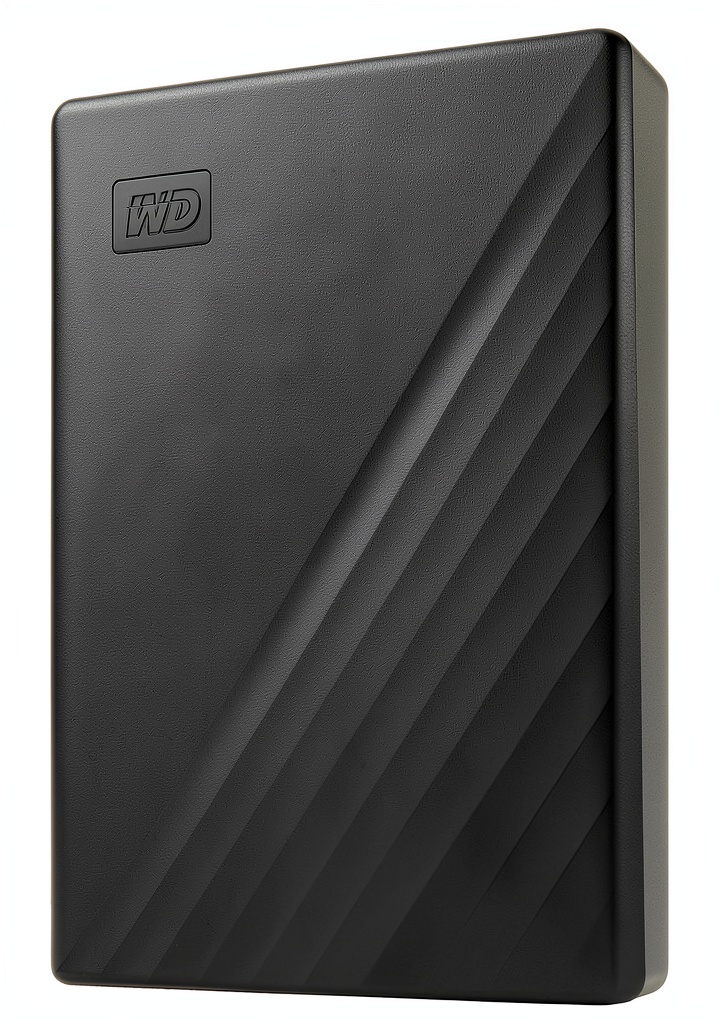
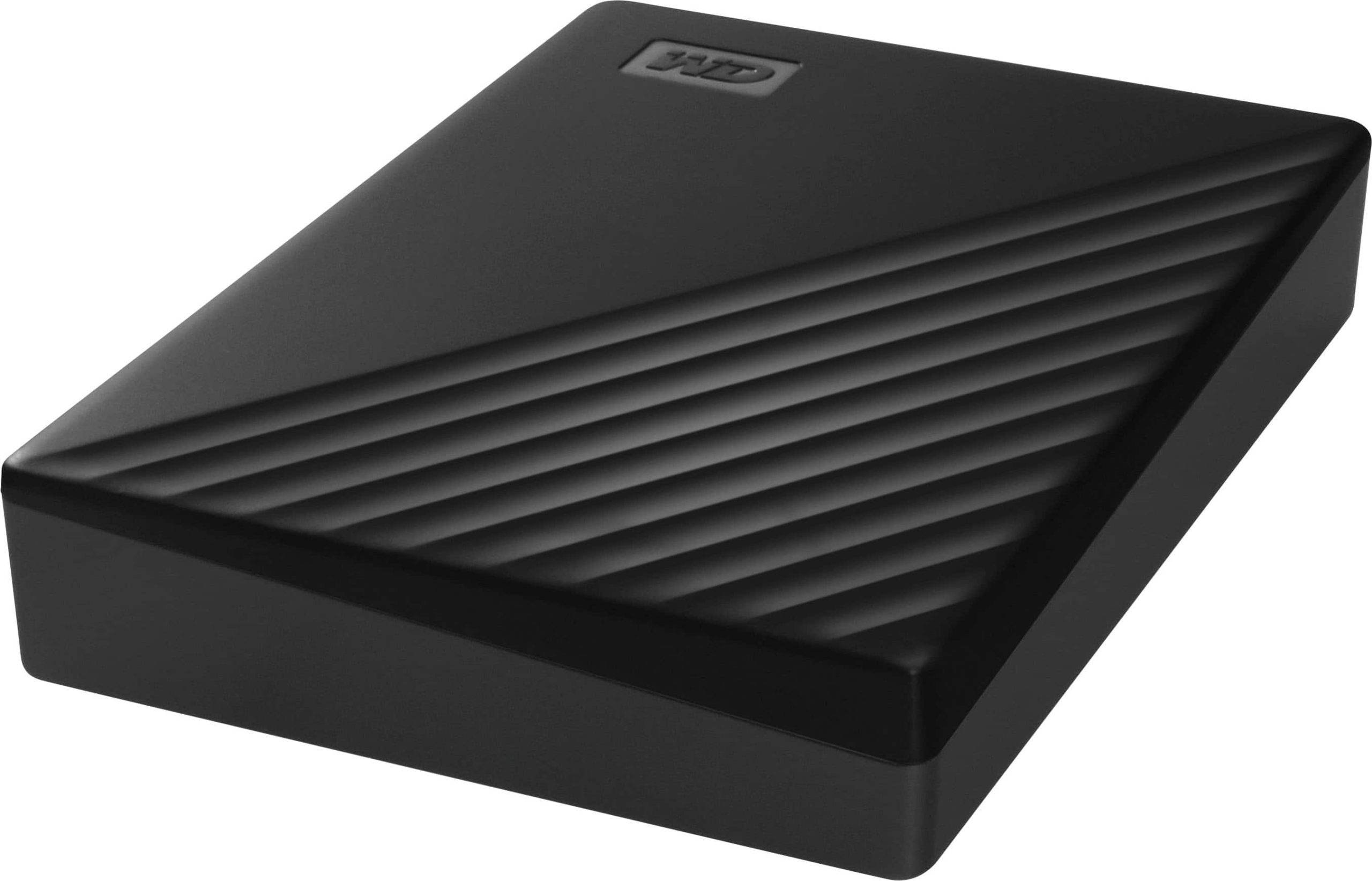
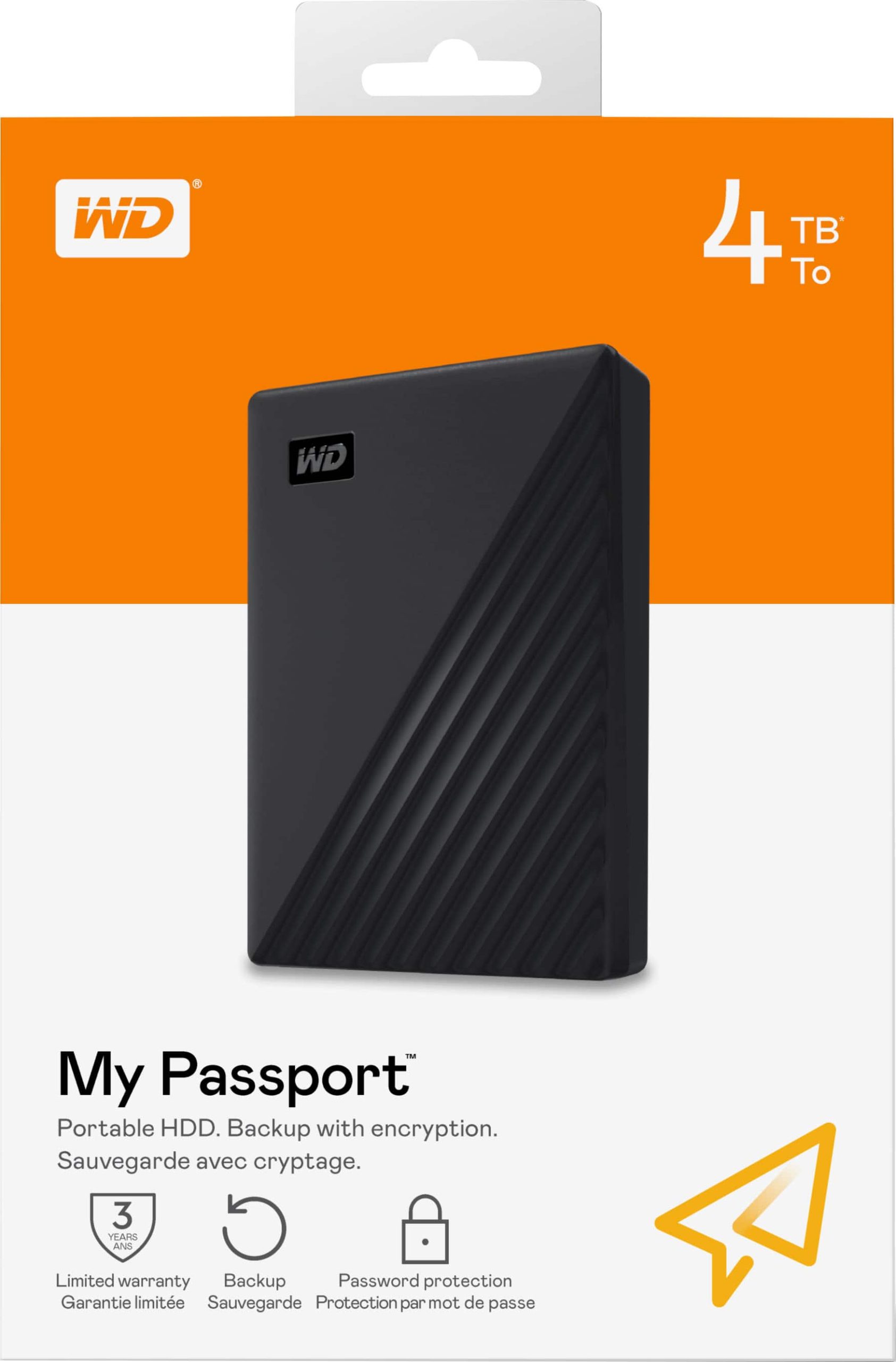
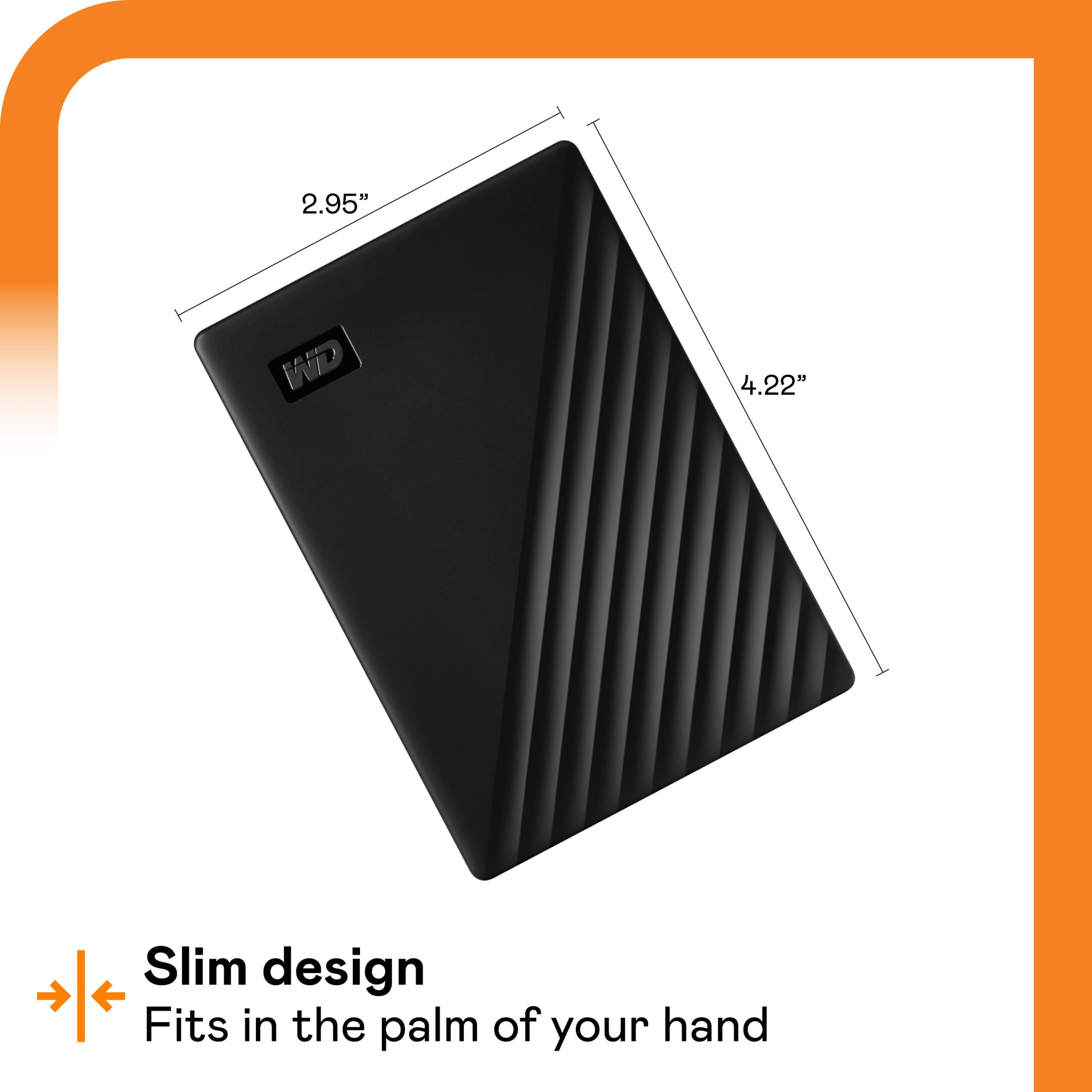
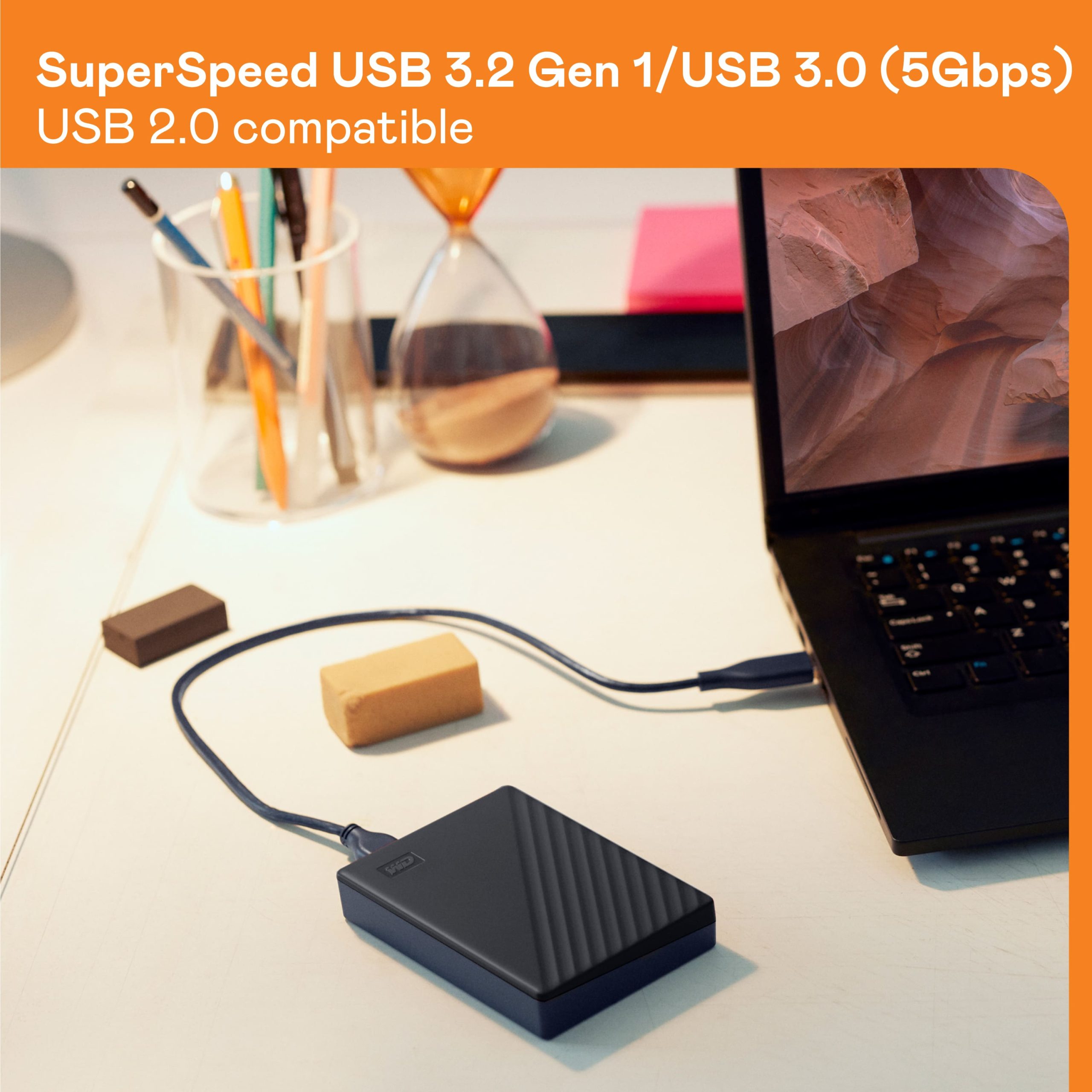
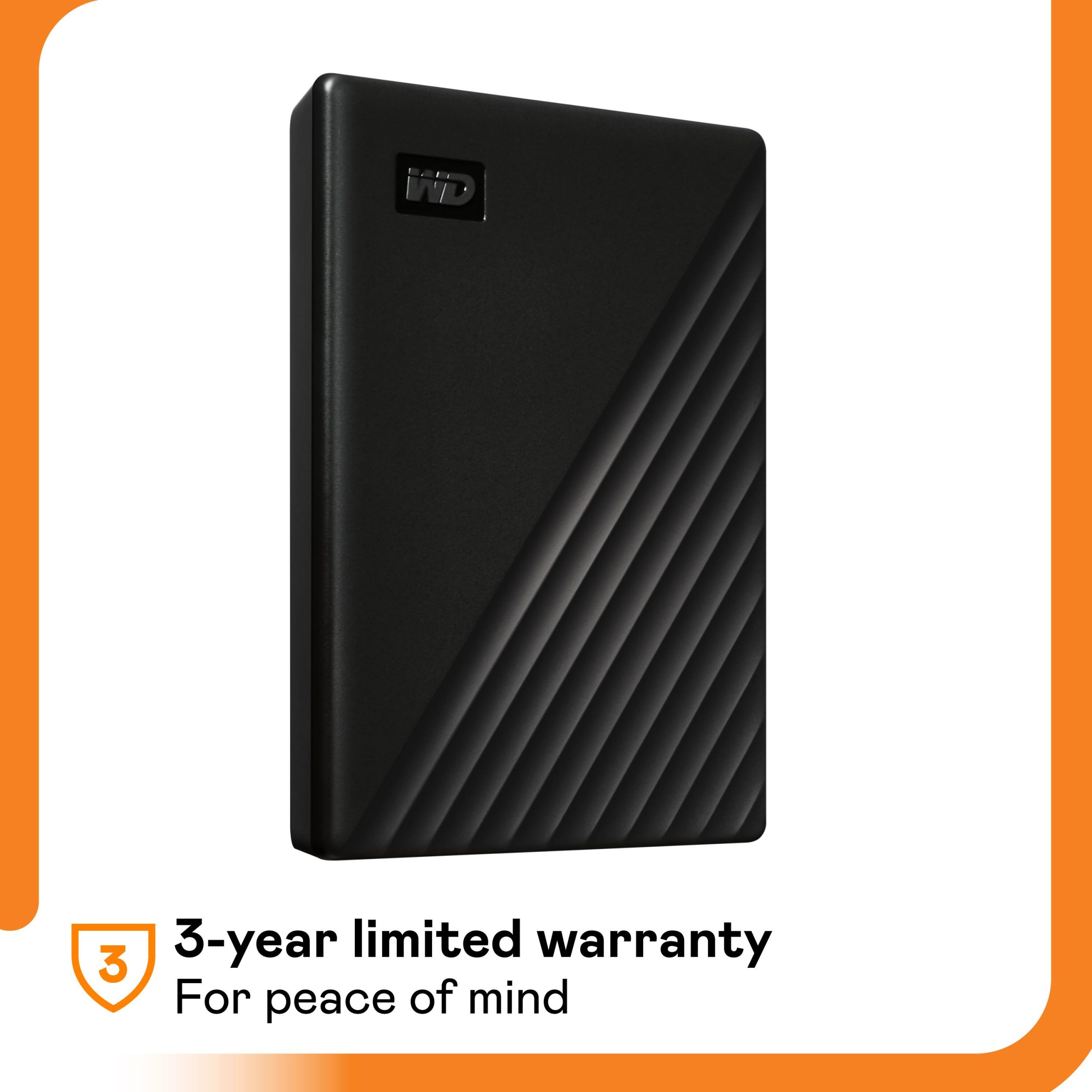
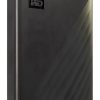
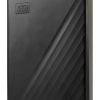
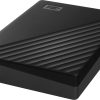
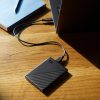
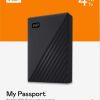
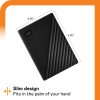
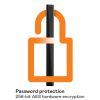
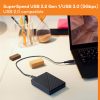
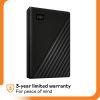
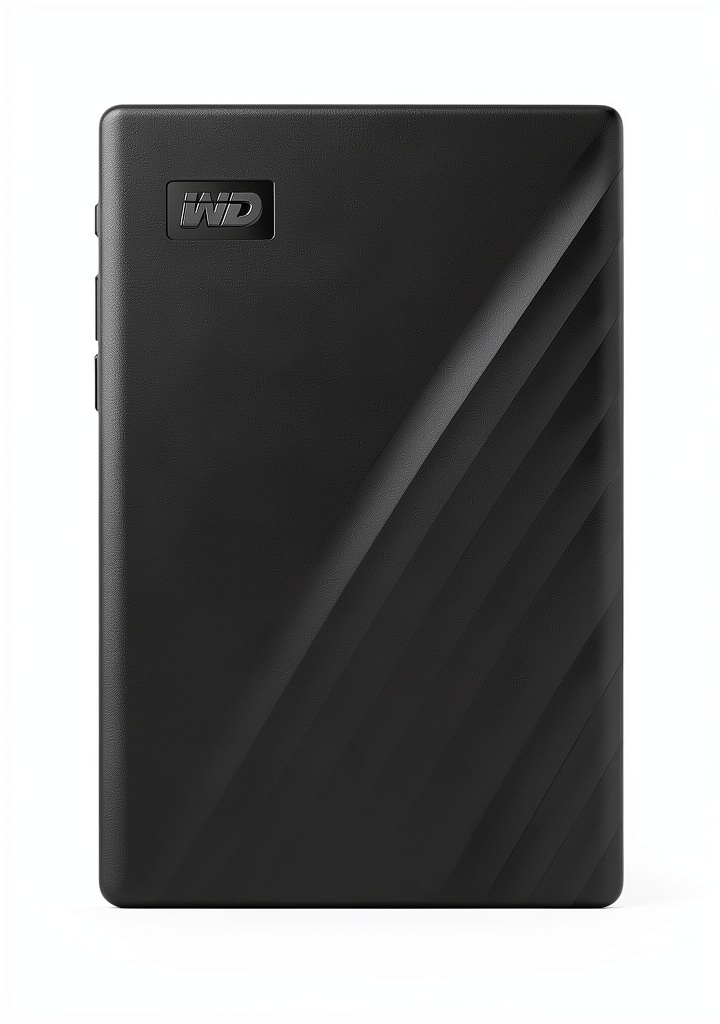
The WD My Passport 4TB external hard drive is a reliable storage solution designed for everyday use. It features a compact, portable design and is available in multiple colors including Black, Blue, Sky, and Red. With a USB 3.0 interface, it delivers fast data transfer speeds and is backward compatible with USB 2.0. The drive includes WD Discovery software for easy setup and automatic backups, and it comes with built-in 256-bit AES hardware encryption to protect your data. Note that reformatting is required for Mac OS, and some features are not compatible with Chromebook.
Usage
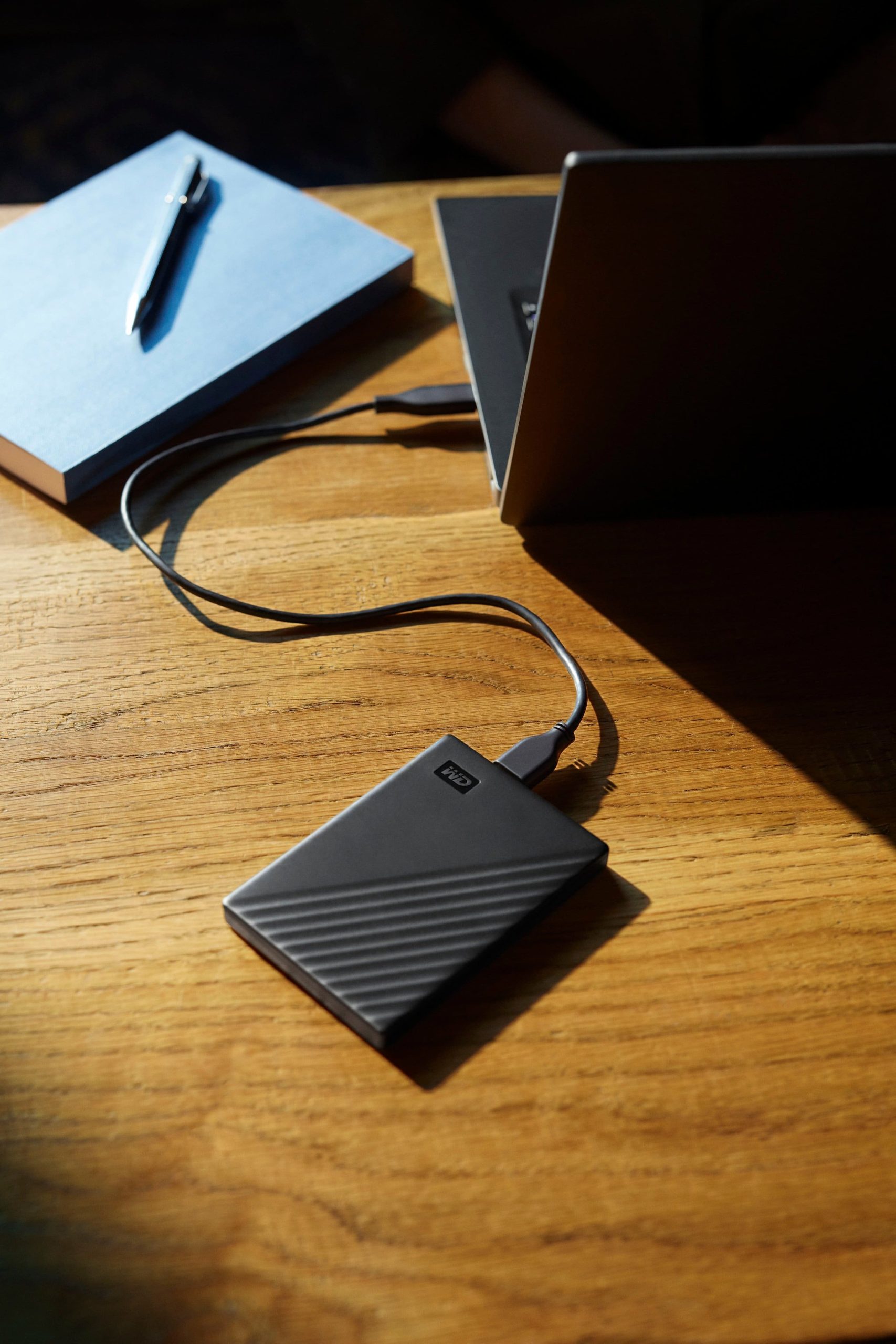
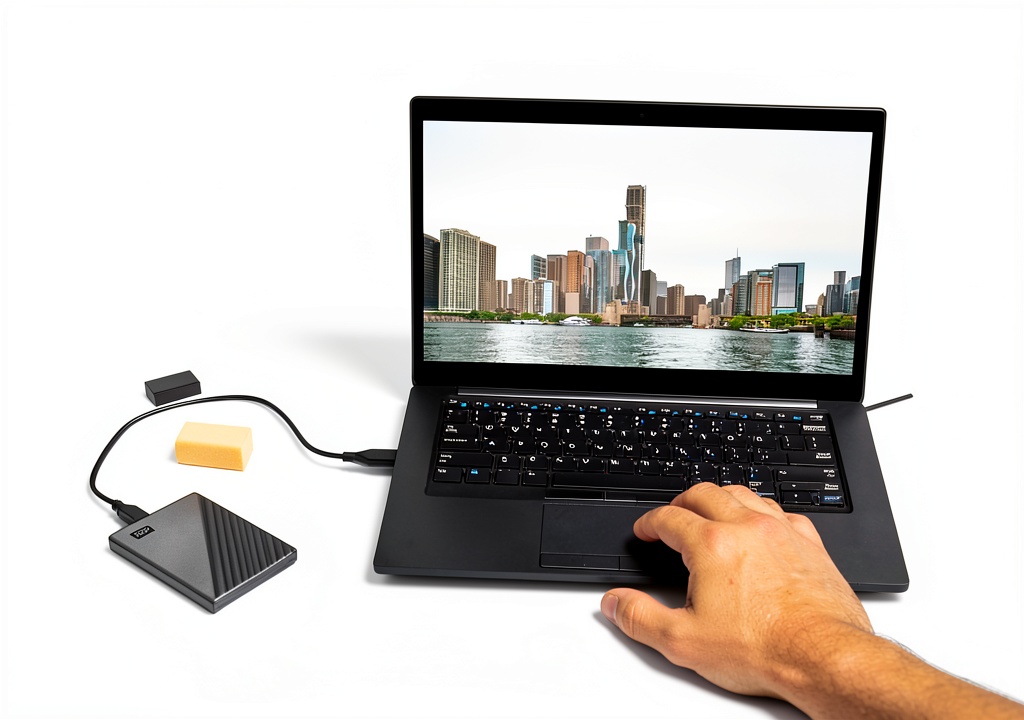
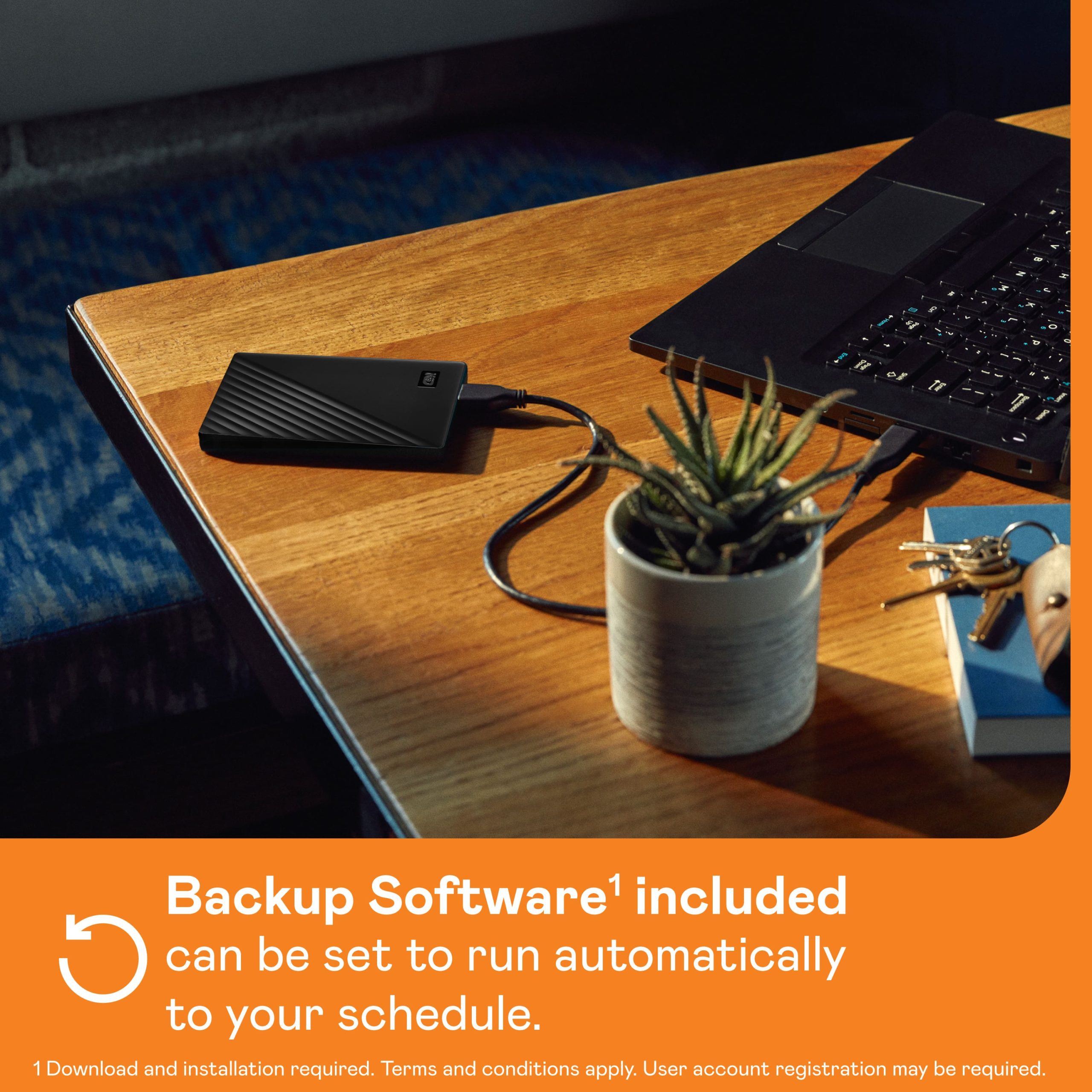
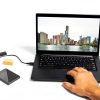
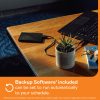
This hard drive is perfect for students, professionals, and creatives who need to store and transport large files such as documents, photos, music, and videos. It is ideal for use at home, in the office, or while traveling, providing a secure way to back up important data and free up space on your computer. The automatic backup feature can be scheduled to run at your convenience, ensuring your files are always protected.
Why Choose Us
WD is a trusted brand in data storage, known for durability and performance. The My Passport drive combines high capacity with advanced security features, offering peace of mind for your digital assets. Its user-friendly design and included software make it a standout choice for reliable, everyday storage needs.
Key Features
- 4TB storage capacity for ample space to store documents, photos, and more
- USB 3.0 interface with backward compatibility for fast and easy connections
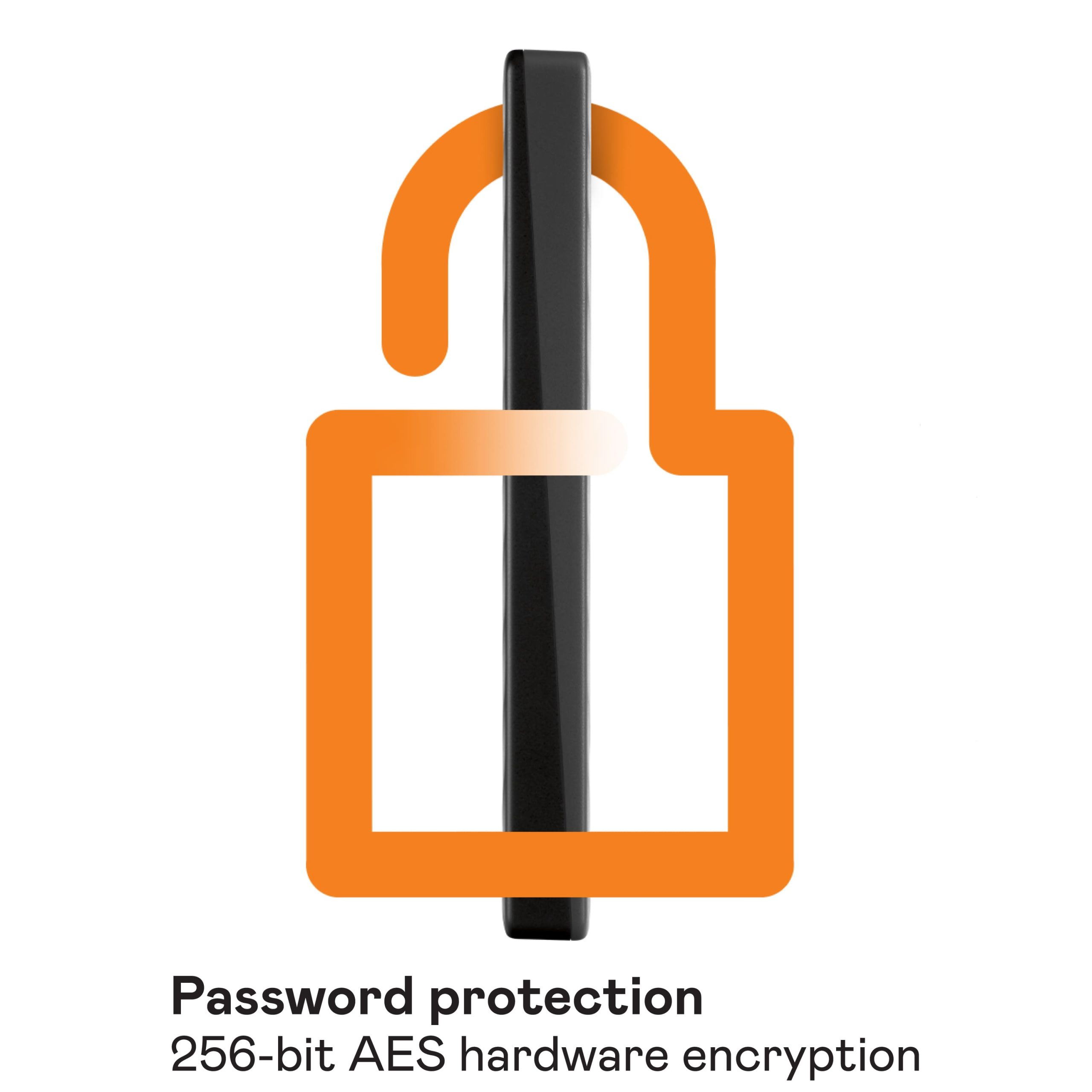
- Built-in 256-bit AES hardware encryption with password protection for security
- Automatic backup software to safeguard your files on a schedule
- Portable design that lets you take your data anywhere
FAQ
Is the WD My Passport compatible with Mac computers?
Yes, but reformatting is required for Mac OS to ensure proper functionality.
Does this drive work with Chromebook?
Some features, such as the backup software, are not compatible with Chromebook.
What is included in the box?
The package contains the WD My Passport hard drive, a USB 3.0 cable, WD Discovery software, and a Quick Install Guide.
How do I set up automatic backups?
Download the WD Discovery software and follow the prompts to schedule backups at your preferred time and frequency.
Is the drive powered by the USB connection?
Yes, it is USB-powered, so no external power adapter is needed.

Reviews
There are no reviews yet.